




Document extraction: definition, value and selection
Definition
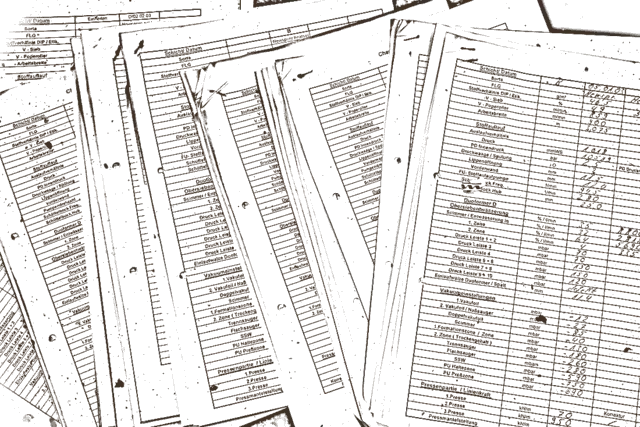
Document extraction pulls the intended content out of files such as PDFs, scans or forms. It recognises text, fields and structure and turns them into ordered data. The result is machine-readable instead of trapped in a document, so it can be used by an assistant or a company brain.
Why the Term Matters
Much of a company's knowledge sits in documents that an AI assistant does not directly understand. Document extraction is the step that turns a scan into a usable record. Without it, the company brain stays empty or wrongly filled because numbers and fields are captured imprecisely. The term matters because this is where the quality and citability of later answers is decided.
When It Is Relevant
- Important content sits in PDFs, scans or forms.
- A company brain should also know documents, not just databases.
- Fields such as amounts, dates or numbers must be read out reliably.
- Paper processes should be turned into a searchable store.
When Not
If your knowledge already sits cleanly in systems, you do not need extraction. And with few documents, retyping can be cheaper and more accurate than building a solution. With poor scans and no check, you risk wrong fields that carry on in the assistant instead of creating order.
Industries That Use It
- Logistics: freight papers and delivery notes are read out so an assistant answers shipment questions citably.
- Tax firms: receipts and notices are captured in a structured way before they move into the company brain.
- Property management: leases and statements are read out so an assistant finds clauses.
- Procurement: offers and invoices are turned into ordered fields for faster checking.
Typical Use Cases
- Reading invoices into ordered fields for checking.
- Turning old contract folders into a searchable company brain.
- Capturing form data so an assistant can use it.
- Digitising scans for citable answers.
- Reading key figures out of reports for further processing.
Decision Guide
| Signal | Document extraction fits | Alternative |
|---|---|---|
| Knowledge sits in documents | read it out on purpose | company brain stays patchy |
| Fields must be accurate | structured capture with checking | unchecked retyping |
| Only a few documents | rather not | capture manually |
| Knowledge already in systems | rather not | connect directly |
Example
An administration reads out existing contracts, spot-checks the key fields and writes the result into the company brain. Afterwards the assistant finds the right clause on request and shows the source. This describes the method, not an asserted client metric.
Service Connection
Document extraction fills a company brain and makes a personal AI assistant's answers citable. Recurring runs are handled by AI agents.
Sources
This framing describes common practice around document extraction. Specific accuracy, formats and data protection depend on the quality of the originals, the method and the checking and must be verified case by case.